MCU board
kw41z-dev
The kw41z-dev is an MCU board in the LabWired part catalog. Its catalog type is kw41z-dev. It has 10 pins. Silicon coverage for this board is tracked in the chip × peripheral validation matrix, not per-part.
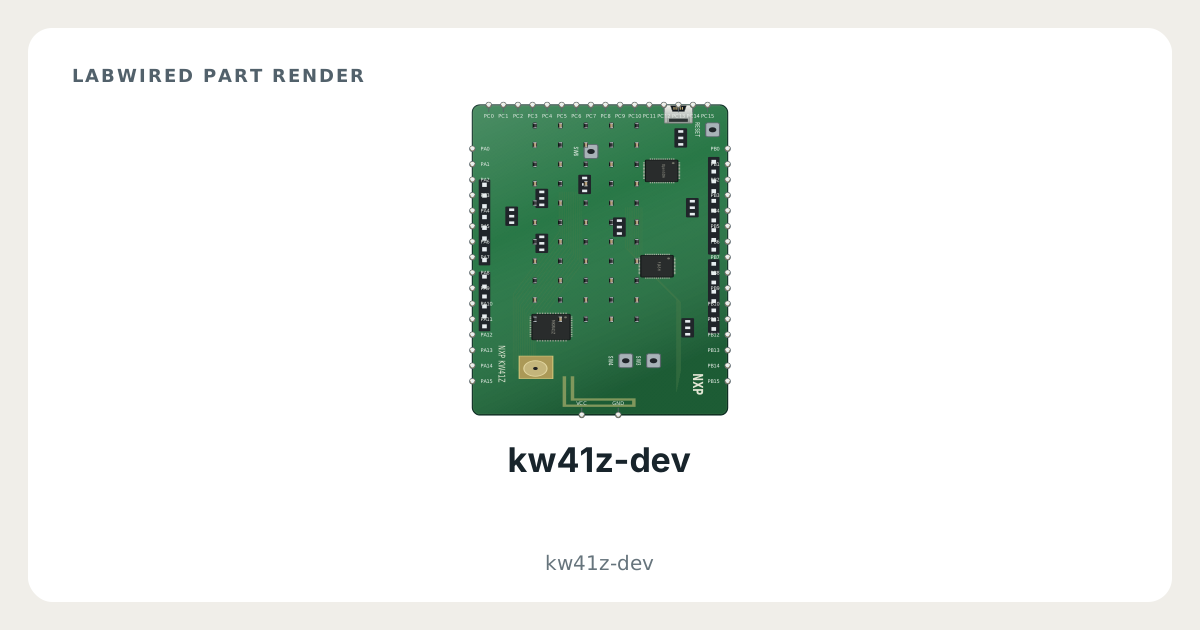
Key facts
| Category | MCU boards |
|---|---|
| Catalog type | kw41z-dev |
| Pins | 10 |
| Datasheet | NXP MKW41Z512 datasheet |
What LabWired simulates
What is simulated
MCU board
How it was validated
Not applicable
kw41z-dev pinout
- Power: VCC, GND
- Other signals: PA5, PA6, PA7, PB1, PB2, PB6, PB7, PC0
| Pin | Electrical type | Function |
|---|---|---|
PA5 | Bidirectional | — |
PA6 | Bidirectional | — |
PA7 | Bidirectional | — |
PB1 | Bidirectional | — |
PB2 | Bidirectional | — |
PB6 | Bidirectional | — |
PB7 | Bidirectional | — |
PC0 | Bidirectional | — |
VCC | Power input | Supply |
GND | Power input | Supply |
How to simulate the kw41z-dev in LabWired
- Open the Playground at app.labwired.com and select the kw41z-dev as the board.
- Write the firmware, then build it and run it.
- Add parts from the catalog and connect them to the board pins. The categories below list the parts by bus.
- Before you trust a result, look at the validation matrix. It shows which chip peripherals are modelled and how each one was checked.
Parts to connect to the kw41z-dev
- I²C devices (43)
- SPI devices (23)
- UART devices (8)
- Board I/O modules (57)
- Logic ICs (8)
- Passive, analog and power parts (48)
- Wireless (1)
Related MCU boards
Modelled from NXP MKW41Z512 datasheet.