SPI device
SSD1680 Tri-Color E-Paper
The SSD1680 Tri-Color E-Paper is an SPI device in the LabWired part catalog. Its catalog type is ssd1680_tricolor_290. It connects to the MCU over SPI. The catalog gives a supply range of 2.2–3.7 V. It has 8 pins. A registered peripheral model runs in the engine: the firmware talks to it over the real bus and gets device-accurate responses.
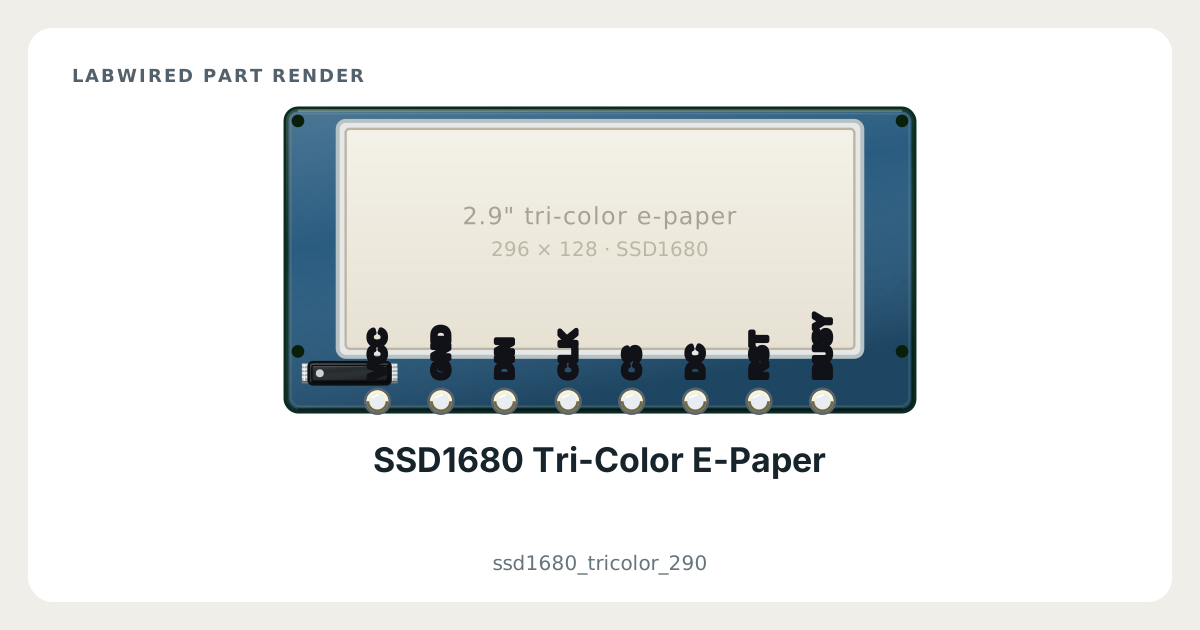
Key facts
| Category | SPI devices |
|---|---|
| Catalog type | ssd1680_tricolor_290 |
| Interface | SPI |
| Supply range | 2.2–3.7 V |
| Pins | 8 |
| Datasheet | Solomon Systech SSD1680 active matrix EPD display driver datasheet |
What LabWired simulates
What is simulated
Simulated device model
How it was validated
Checked against a capture
SSD1680 Tri-Color E-Paper pinout
- Power: VCC, GND
- SPI: DIN, CLK, CS
- GPIO: DC, RST, BUSY
| Pin | Electrical type | Function |
|---|---|---|
VCC | Power input | Supply |
GND | Power input | Supply |
DIN | Input | SPI data out of the MCU (MOSI) |
CLK | Input | SPI clock (SCK) |
CS | Input | SPI chip select (CS) |
DC | Input | GPIO |
RST | Input | GPIO |
BUSY | Output | GPIO |
How to simulate the SSD1680 Tri-Color E-Paper in LabWired
- Open the Playground at app.labwired.com and place an MCU board.
- Add the SSD1680 Tri-Color E-Paper (catalog type ssd1680_tricolor_290).
- Connect VCC and GND to the supply and ground of the board. Use a supply inside the catalog range of 2.2–3.7 V.
- Connect CLK and DIN to the SPI pins of the board.
- Connect CS to the chip-select pin of the board, or to a free GPIO.
- Connect DC, RST and BUSY to free GPIO pins.
- Run the firmware. It selects the part and moves bytes over the simulated SPI bus as on hardware.
Related SPI devices
Modelled from Solomon Systech SSD1680 active matrix EPD display driver datasheet.