SPI device
ST7789 320x240 TFT
The ST7789 320x240 TFT is an SPI device in the LabWired part catalog. Its catalog type is st7789-320x240. It connects to the MCU over SPI. It has 8 pins. A registered peripheral model runs in the engine: the firmware talks to it over the real bus and gets device-accurate responses.
From the catalog: Full-window ST7789 RGB565 SPI model, sharing the st7789-170x320 core descriptor without any glass crop. Browser decodes all 320x240 landscape pixels; physical reset, backlight and touch are unvalidated.
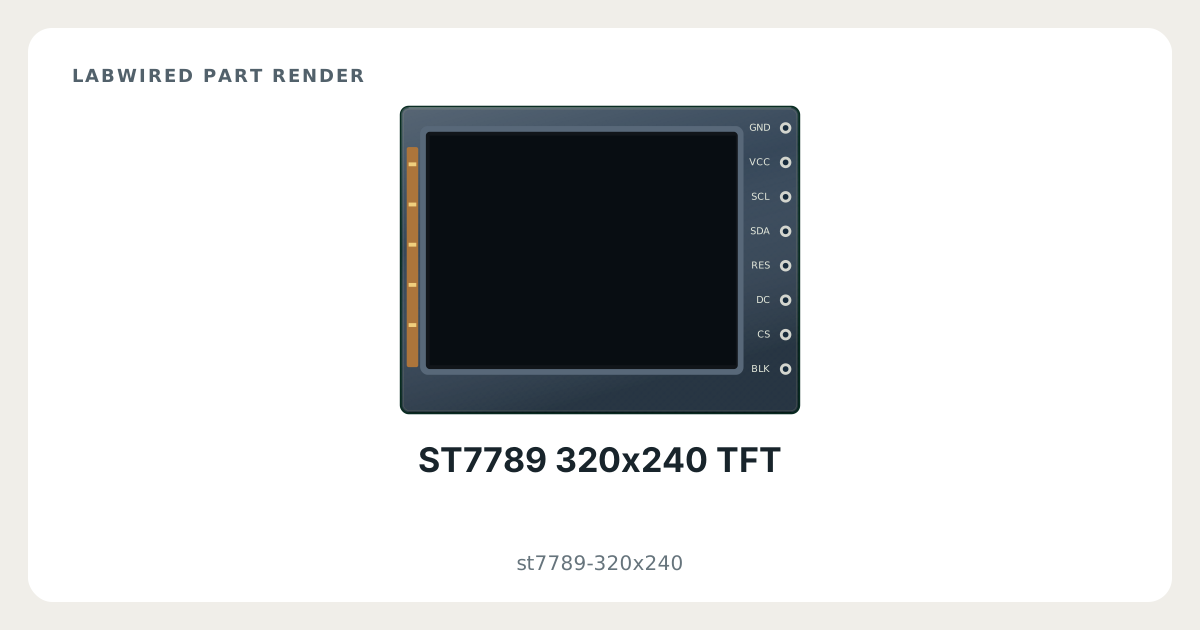
Key facts
| Category | SPI devices |
|---|---|
| Catalog type | st7789-320x240 |
| Interface | SPI |
| Pins | 8 |
| Datasheet | Sitronix ST7789V single-chip controller/driver for 262K-colour graphic TFT-LCD datasheet |
What LabWired simulates
What is simulated
Simulated device model
How it was validated
Built from the datasheet
ST7789 320x240 TFT pinout
- Power: GND, VCC
- SPI: SCL, SDA, CS
- PWM: BLK
- GPIO: RES, DC
| Pin | Electrical type | Function |
|---|---|---|
GND | Power input | Supply |
VCC | Power input | Supply |
SCL | Input | SPI clock (SCK) |
SDA | Input | SPI data out of the MCU (MOSI) |
RES | Input | GPIO |
DC | Input | GPIO |
CS | Input | SPI chip select (CS) |
BLK | Input | PWM |
How to simulate the ST7789 320x240 TFT in LabWired
- Open the Playground at app.labwired.com and place an MCU board.
- Add the ST7789 320x240 TFT (catalog type st7789-320x240).
- Connect GND and VCC to the supply and ground of the board.
- Connect SCL and SDA to the SPI pins of the board.
- Connect CS to the chip-select pin of the board, or to a free GPIO.
- Connect BLK to a pin that can output PWM.
- Connect RES and DC to free GPIO pins.
- Run the firmware. It selects the part and moves bytes over the simulated SPI bus as on hardware.
Related SPI devices
Modelled from Sitronix ST7789V single-chip controller/driver for 262K-colour graphic TFT-LCD datasheet.