I²C device
AHT20 Temp/Humidity
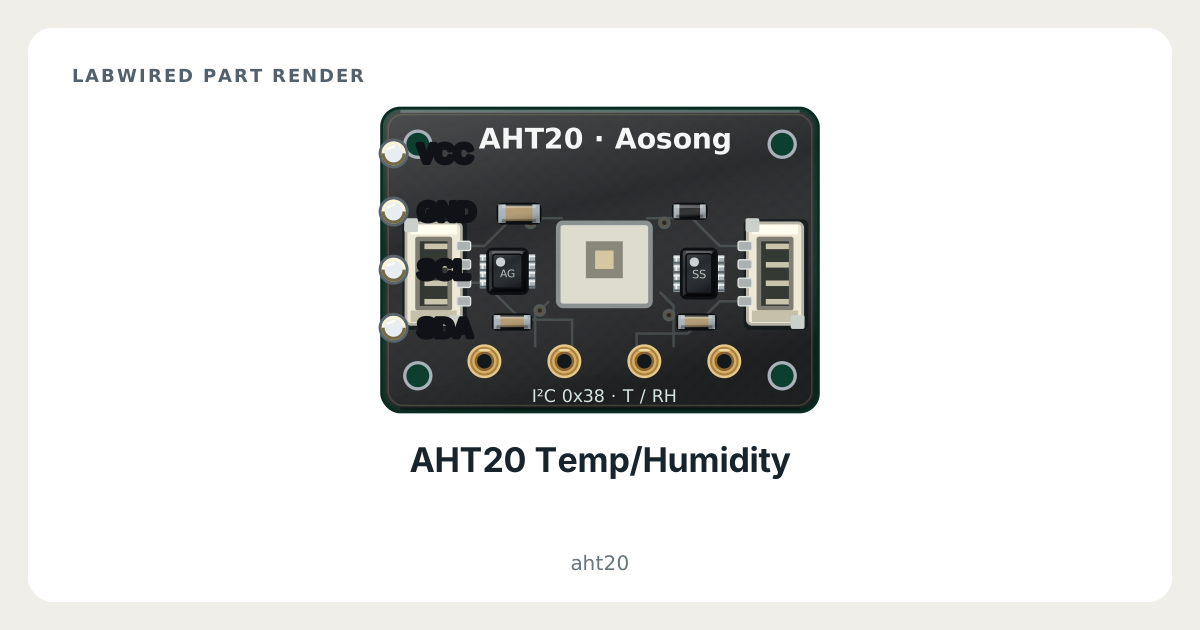
The AHT20 Temp/Humidity is an I²C device in the LabWired part catalog. Its catalog type is aht20. It connects to the MCU over I²C at the default address 0x38. The catalog gives a supply range of 2–5.5 V. It has 4 pins. A registered peripheral model runs in the engine: the firmware talks to it over the real bus and gets device-accurate responses.
Key facts
| Category | I²C devices |
|---|---|
| Catalog type | aht20 |
| Interface | I²C |
| Default I²C address | 0x38 (56 decimal) |
| Supply range | 2–5.5 V |
| Pins | 4 |
| Datasheet | ASAIR AHT20 humidity and temperature sensor datasheet |
What LabWired simulates
What is simulated
Simulated device model
How it was validated
Built from the datasheet
AHT20 Temp/Humidity pinout
- Power: VCC, GND
- I²C: SDA, SCL
| Pin | Electrical type | Function |
|---|---|---|
VCC | Power input | Supply |
GND | Power input | Supply |
SDA | Open-drain | I²C data (SDA) |
SCL | Open-drain | I²C clock (SCL) |
How to simulate the AHT20 Temp/Humidity in LabWired
- Open the Playground at app.labwired.com and place an MCU board.
- Add the AHT20 Temp/Humidity (catalog type aht20).
- Connect VCC and GND to the supply and ground of the board. Use a supply inside the catalog range of 2–5.5 V.
- Connect SDA and SCL to the I²C data and clock pins of the board.
- Run the firmware. It finds the part on the I²C bus at 0x38 and reads and writes it as on hardware.
Related I²C devices
Further reading
Modelled from ASAIR AHT20 humidity and temperature sensor datasheet.