passive, analog or power part
Resistor
The Resistor is a passive, analog or power part in the LabWired part catalog. Its catalog type is resistor. It has 2 pins. No device model of its own. It is an element of the in-core analog circuit when it is part of one: next to a capacitor, inductor, diode, BJT, MOSFET or op-amp, in a divider or pull from a supply rail to an ADC pin, or on a net an oscilloscope probes. Otherwise, for example as a series resistor into an LED, it is checked electrically and has no runtime behaviour.
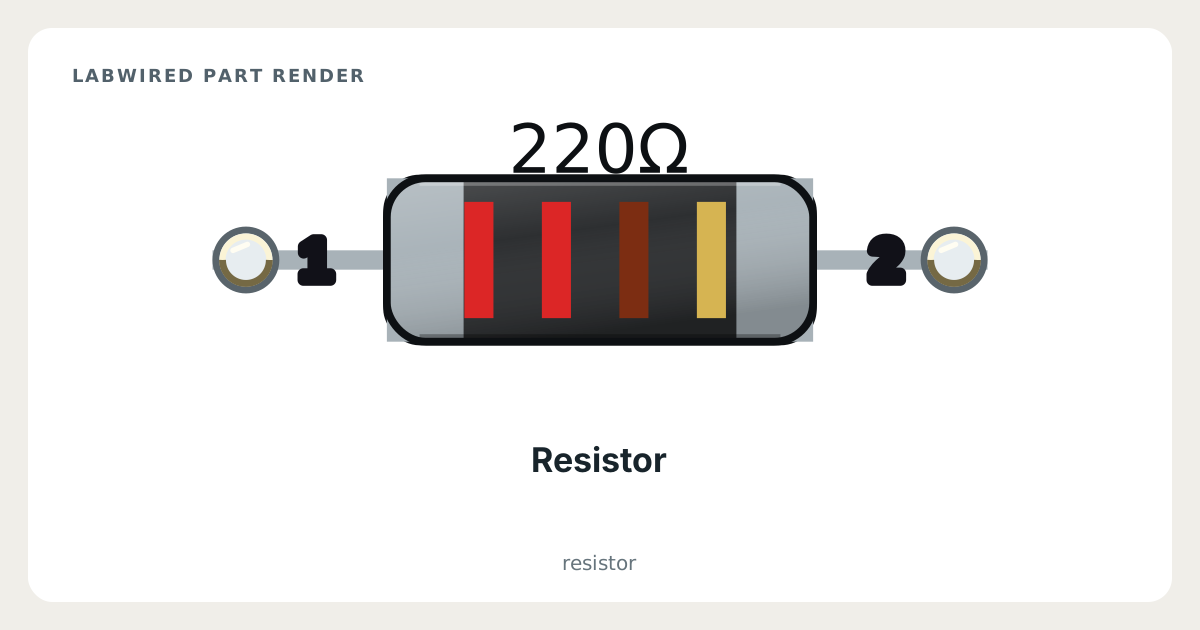
Key facts
| Category | Passive, analog and power parts |
|---|---|
| Catalog type | resistor |
| Pins | 2 |
| Datasheet | Yageo RC series chip resistor datasheet |
What LabWired simulates
What is simulated
Analog circuit element
How it was validated
Not applicable
Resistor pinout
- Other signals: 1, 2
| Pin | Electrical type | Function |
|---|---|---|
1 | Passive | — |
2 | Passive | — |
How to simulate the Resistor in LabWired
- Open the Playground at app.labwired.com and place an MCU board.
- Add the Resistor (catalog type resistor).
- Connect pin 1 and pin 2 as your circuit needs.
- Run the firmware. When the part is in an analog circuit, as described above, the in-core analog solver computes it next to the firmware.
Related Passive, analog and power parts
All Passive, analog and power parts · All parts
Modelled from Yageo RC series chip resistor datasheet.